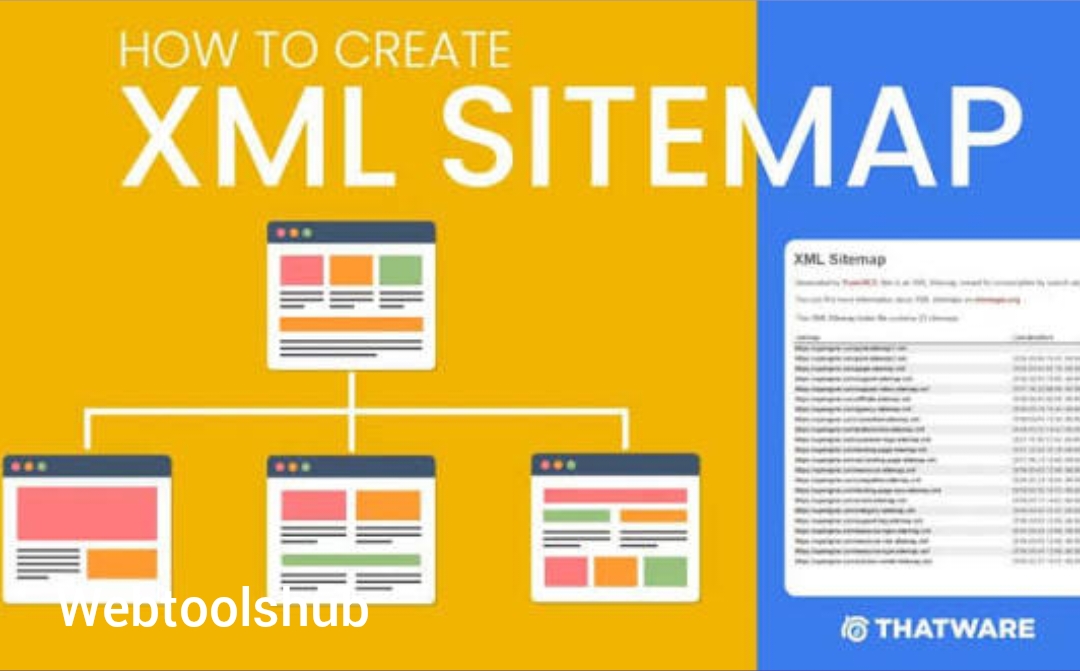
Learn how to build a clean XML sitemap for static HTML pages, choose canonical URLs and keep the sitemap aligned with the pages you actually publish. This guide is written for people who want to complete the task correctly, understand the trade-offs, and know what to check before relying on the result.
What this task actually involves
XML Sitemaps for Static HTML Websites: A Practical Setup is easier when the goal is defined before the tool or setting is chosen. The important variables are not just speed or output size; they include accuracy, compatibility, privacy, readability, repeatability and what the final file or result will be used for.
For a small website such as WebTools HUB, the useful standard is practical: a visitor should be able to understand the feature, complete the task, recover from common errors and verify the output without needing specialist knowledge.
When this workflow is useful
This approach is especially useful when you need a repeatable result rather than a one-off experiment. It also helps when several people share the same process, because a checklist reduces avoidable differences between outputs.
- only canonical public URLs
- lastmod accuracy
- sitemap consistency with internal links
- avoiding duplicate or dead URLs
A practical step-by-step workflow
- List the public canonical pages.
- Add the blog index and published article URLs.
- Use the exact HTTPS canonical URL format.
- Set lastmod only when the page meaningfully changes.
- Validate the XML and submit the live sitemap in Search Console.
What to check before you start
The first useful check is whether the input and the intended output actually match. For this topic, that means paying attention to only canonical public URLs, lastmod accuracy, sitemap consistency with internal links, and avoiding duplicate or dead URLs. These are not separate SEO phrases; they are practical variables that can change the result.
It is also worth deciding what “good enough” means before processing anything. A private draft, a public-facing asset and an official document can have very different requirements for quality, privacy, compatibility and repeatability.
How the right choice changes by use case
For a personal task, convenience may be the main priority. For a business workflow, consistency, file naming and repeatability become more important. For a public website, accessibility, performance and predictable behavior matter as well. The same setting can therefore be appropriate in one situation and excessive in another.
When the output will be shared with other people, add one more verification step: open it outside the environment in which it was created. This catches problems such as missing fonts, unexpected page dimensions, broken links, weak contrast or device-specific layout issues.
How to troubleshoot a disappointing first result
If the first result is not useful, change one variable at a time rather than rebuilding the entire workflow. Common causes include adding redirects, 404s or blocked URLs, inventing future lastmod dates, mixing http and https, and including every file on the server. Each problem should lead to a specific correction, followed by another check of the final output.
Keep the original input whenever possible. That gives you a reliable comparison point and prevents a low-quality intermediate result from becoming the only available copy.
Quality control that is easy to repeat
A useful quality-control routine can be short: confirm the input, perform the task, inspect the output, test the most important edge case, and record any setting that affects future results. This is especially valuable for websites and tool workflows because small changes can otherwise create silent regressions.
For WebTools HUB readers, the same principle applies to the site itself. A guide should explain the decision, the tool should perform the task, and the final result should be easy for a visitor to verify. Keeping those three layers consistent creates a better experience than adding more keywords or decorative sections.
How to judge the result
Do not evaluate the output only from the final download message. Open or use the result in the context where it matters. A document should remain readable, a QR code should scan from its intended distance, a web page should remain usable on a phone, and a technical SEO change should produce consistent URLs and crawlable pages.
Decision guide
| Area | What to check |
|---|---|
| Primary goal | Complete the task reliably |
| Quality check | Inspect the actual output |
| Performance check | Measure bytes, time or responsiveness where relevant |
| Safety check | Confirm privacy, permissions and input limits |
| Maintenance | Keep the workflow documented and repeatable |
Common mistakes and how to avoid them
- adding redirects, 404s or blocked URLs
- inventing future lastmod dates
- mixing http and https
- including every file on the server
Privacy, accessibility and performance considerations
Good utility pages explain what happens to user input, especially when files, URLs or account-related data are involved. If processing happens in the browser, the implementation should actually match that claim. If a file is uploaded to a server, the page should explain the relevant processing and retention behavior.
Accessibility and performance are also part of the feature. Use readable text, keyboard-friendly controls, meaningful labels, stable layouts and appropriately sized assets. A technically correct tool is still frustrating if the interface is slow, confusing or difficult to operate on a phone.
How to apply this guide on a real project
Start with one representative example instead of changing an entire library or site at once. Keep the original input, document the result, and compare the before-and-after state. This makes it easier to reverse a poor change and gives you a repeatable reference for future work.
Final verification checklist
- Confirm the output matches the intended task and format.
- Check the result on the device or workflow where it will actually be used.
- Look for missing content, broken links, layout problems or unexpected quality loss.
- Confirm that privacy and permissions match the way the feature is being used.
- Keep the original source when the task is destructive or difficult to reverse.
- Record any important settings so the process can be repeated consistently.
Frequently asked questions
Does a sitemap guarantee indexing?
No. It helps discovery and provides information about your preferred URLs, but indexing is determined by search systems.
How often should a sitemap change?
It should change when the set of important public URLs changes or their meaningful modification dates change.
Should utility pages be in the sitemap?
Include important canonical pages that you want discovered and indexed. Exclude technical endpoints and duplicates.
Can a static site use an XML sitemap?
Yes. A sitemap is simply an XML document and does not require WordPress.
Should I include image URLs separately?
An image sitemap is optional. Normal page markup can already expose images.
What should lastmod mean?
It should represent a meaningful page modification, not simply the date the sitemap was regenerated.
How do I submit it?
Use Google Search Console’s sitemap submission interface for the property you control.
What if a sitemap URL returns 404?
Fix the file path and server routing, then resubmit the live URL.