
How to Convert Images to PDF for Free: A Practical Guide
Learn how to combine JPG, PNG and other images into a clean PDF, choose the right page order and quality, and avoid common conversion problems.
Read guideUseful, readable tutorials for people who want to understand a digital task, complete it correctly and verify the result.
WebTools HUB publishes original, topic-specific guides for documents, images, website performance, technical SEO, YouTube workflows, networking, accessibility and online utilities. Each article is designed to answer a concrete user question rather than repeat a keyword list.
The public index below contains the complete 40-guide collection. Articles link to relevant tools or related guides when that connection genuinely helps the reader. Images are local assets from the site's existing media collection, so the blog does not depend on a WordPress API to render its cards.
Learn how to combine JPG, PNG and other images into a clean PDF, choose the right page order and quality, and avoid common conversion problems.
Read guide
A practical guide to reducing PDF size while keeping text, diagrams and scanned pages readable for email, uploads and everyday sharing.
Read guide
Understand YouTube thumbnail image variants, choose an appropriate resolution, save files correctly and avoid common thumbnail workflow mistakes.
Read guide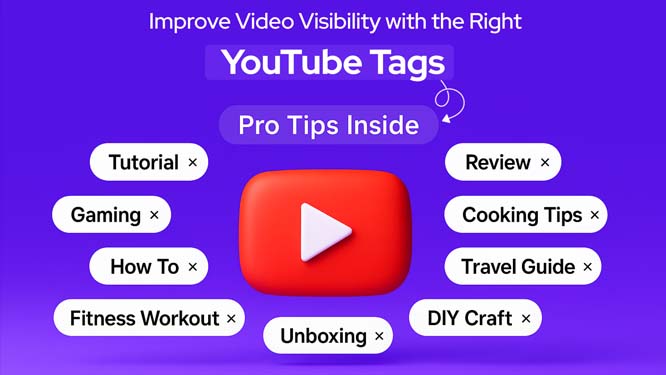
A practical guide to organizing YouTube titles, descriptions and tags around a clear topic without stuffing keywords or making misleading promises.
Read guide
Learn how to diagnose slow pages, reduce unnecessary work and improve real user experience across loading, interaction and visual stability.
Read guide
Understand words per minute, accuracy, consistency and test conditions so a typing-speed result becomes useful rather than just a single number.
Read guide
A practical guide to internet speed tests, latency, jitter, download and upload measurements, plus a troubleshooting workflow for inconsistent connections.
Read guide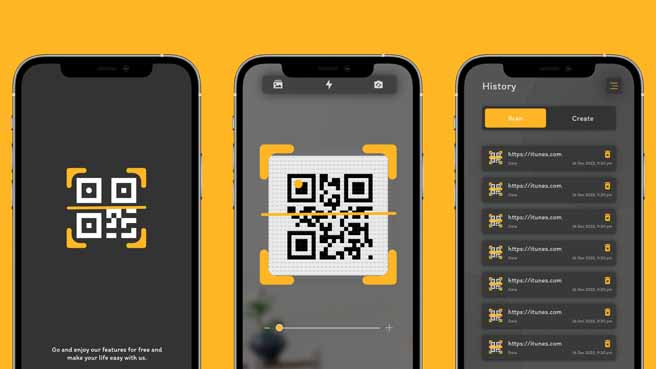
Learn how to choose QR code size, error correction, contrast, quiet zone and output format so printed and digital codes remain easy to scan.
Read guide
Learn how to identify CMS platforms, frameworks, analytics tools and other public technology signals without treating a single fingerprint as proof.
Read guide
Plan a multi-camera OBS workflow with scenes, sources, audio routing, network capacity and fallback options for reliable live production.
Read guide
Understand the building blocks of Telegram Mini Apps, how the web app communicates with the bot, and how to design a trustworthy user flow.
Read guide
Learn what makes a password generator useful, how to choose length and character sets, and why password storage and reuse matter as much as generation.
Read guide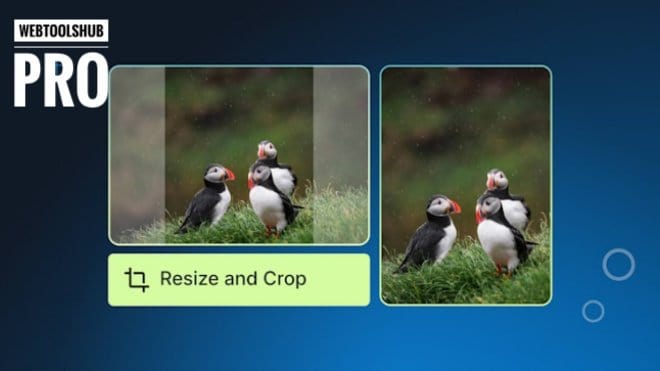
Learn how to choose dimensions, formats, compression and responsive image sizes so website images load quickly while staying visually clear.
Read guide
Learn when PDF-to-JPG conversion makes sense, how resolution affects output, and how to keep page images readable and manageable.
Read guide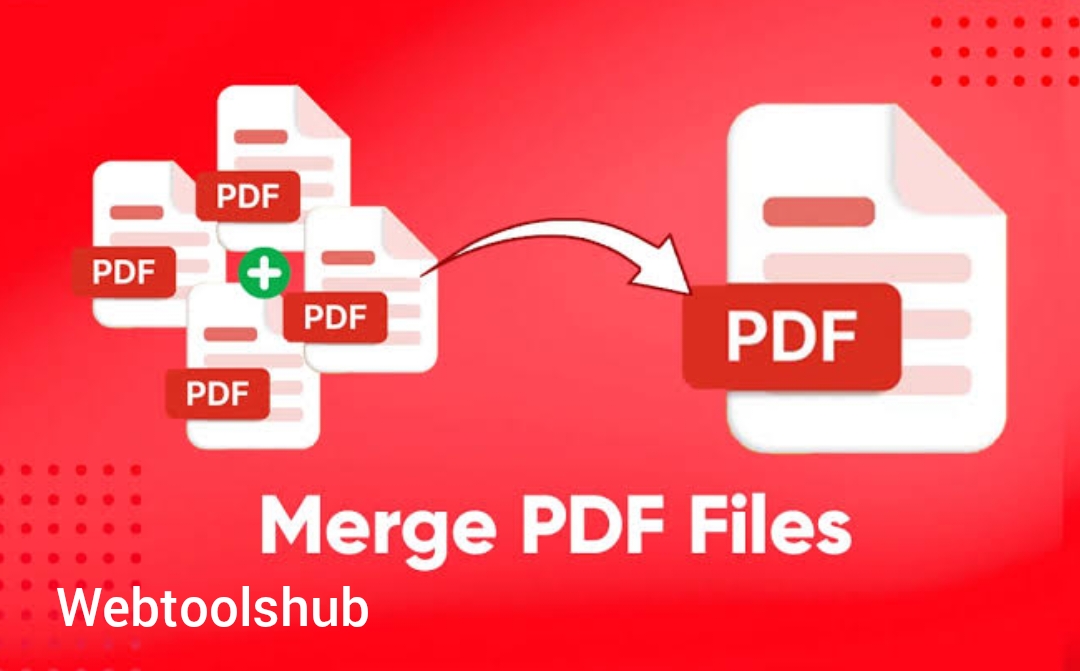
A practical guide to merging PDFs, checking page order, handling mixed orientations and verifying the final document before sharing.
Read guide
Learn how to arrange pages, remove duplicates, standardize orientation and create a cleaner final PDF for work, school and records.
Read guide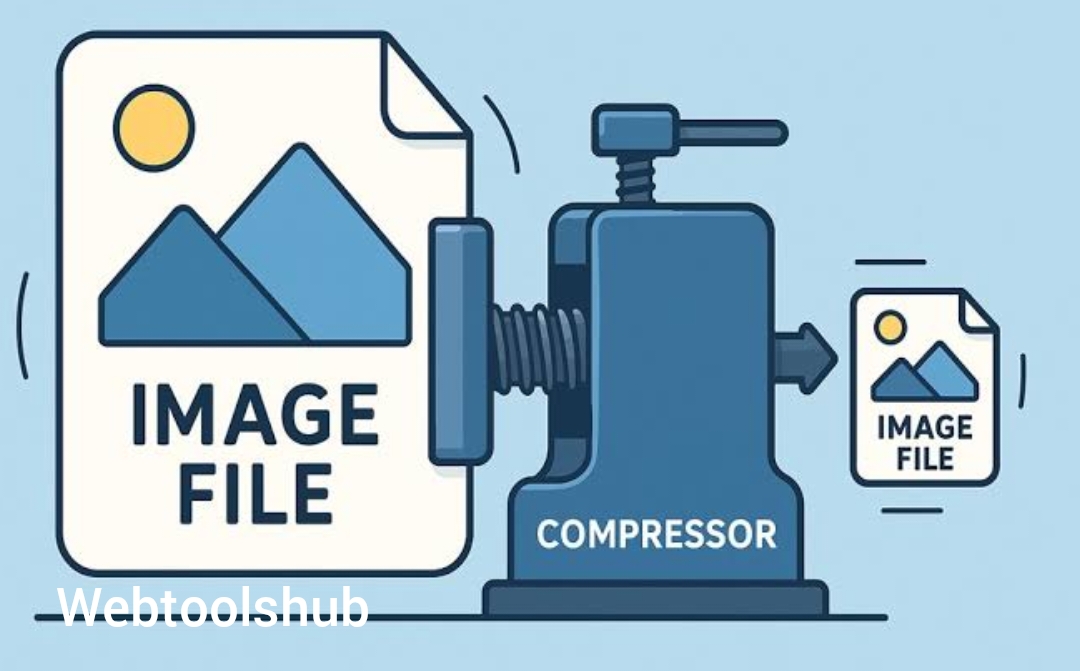
A practical workflow for reducing image weight through dimensions, format selection, compression and responsive delivery without damaging the visual result.
Read guide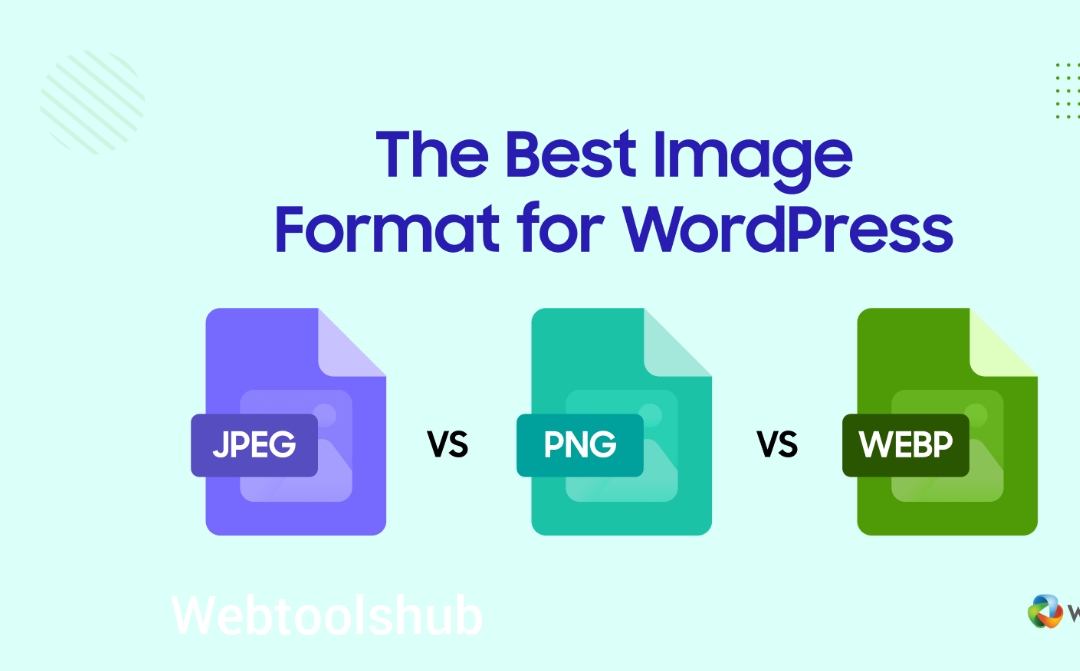
Compare WebP, JPEG and PNG by image type, transparency, compression behavior and practical website use cases.
Read guide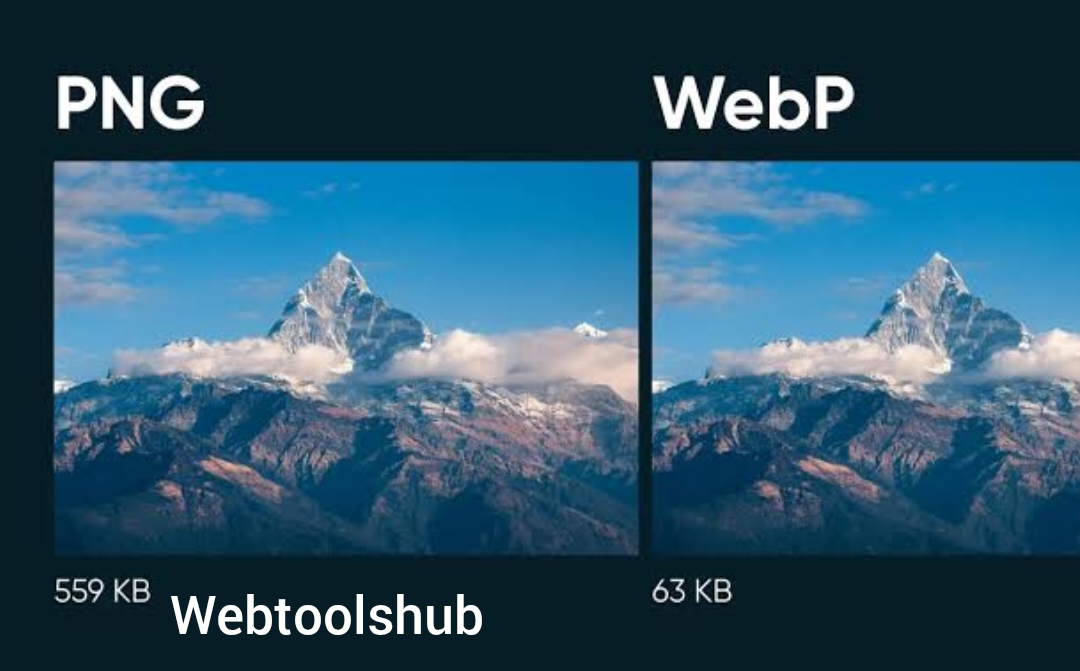
Understand AVIF and WebP compression, browser delivery, encoding cost and practical migration considerations for modern websites.
Read guide
Learn the role of favicons, browser icons, touch icons and manifest icons, plus the implementation details that prevent broken or inconsistent branding.
Read guide
Learn how robots.txt works, what it can and cannot control, and how a small site can keep technical endpoints out of crawling without blocking useful content.
Read guide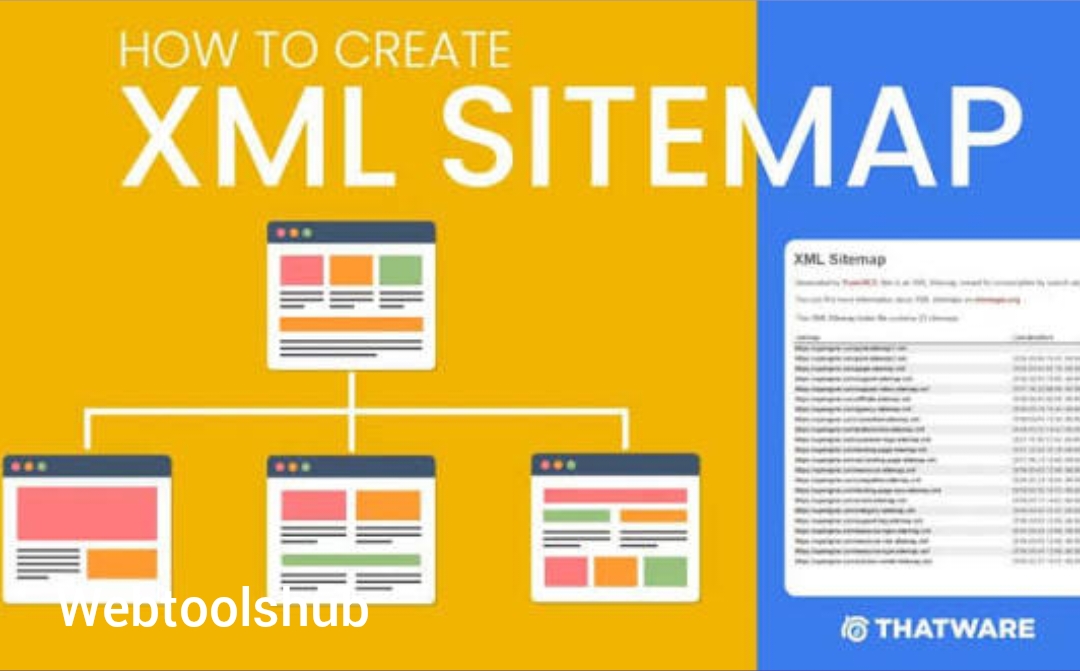
Learn how to build a clean XML sitemap for static HTML pages, choose canonical URLs and keep the sitemap aligned with the pages you actually publish.
Read guide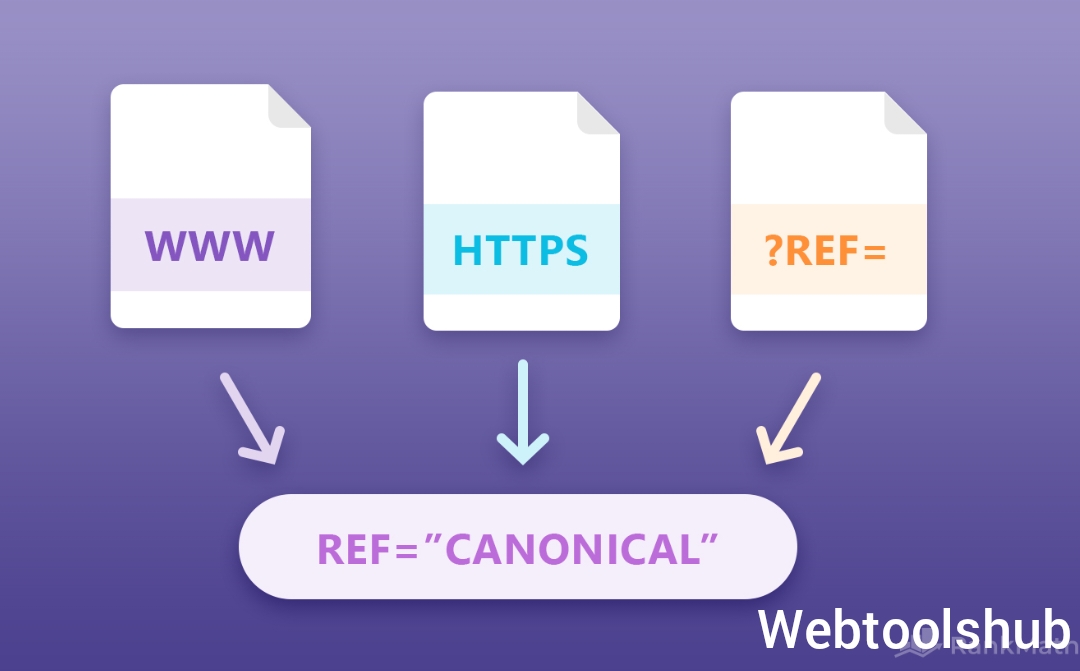
Understand canonical tags, clean URLs, duplicate paths and redirect behavior so search engines can identify the preferred version of a page.
Read guide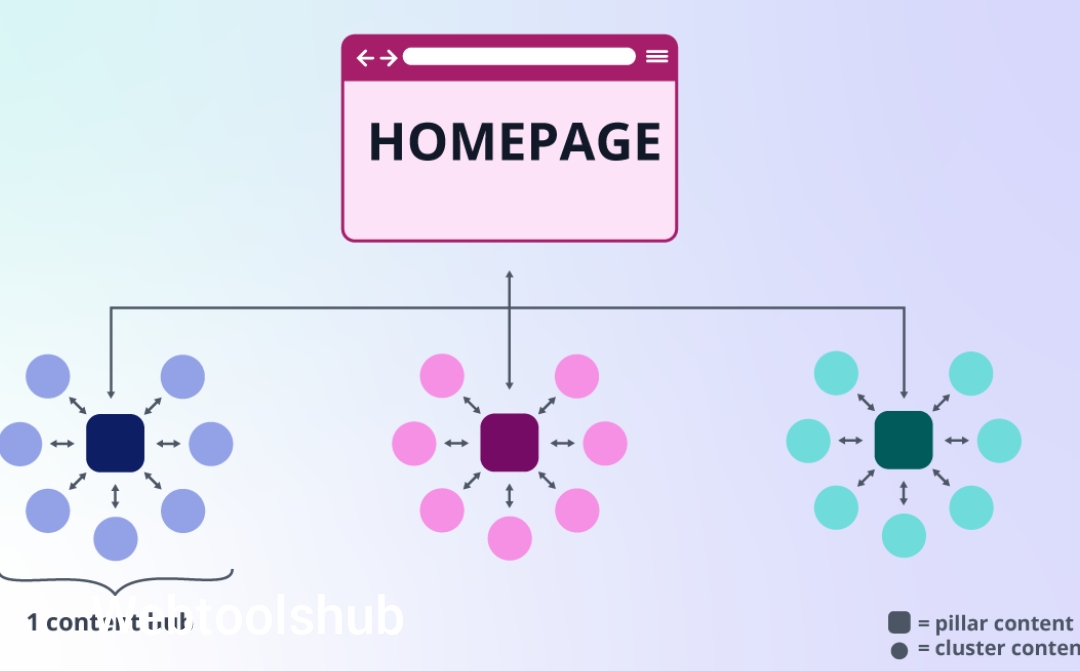
Learn how to connect utility pages, tutorials and related guides so visitors and search crawlers can discover the site through a clear information architecture.
Read guide
Learn how to choose short, descriptive URL slugs that remain understandable to people, stable over time and consistent across a static website.
Read guide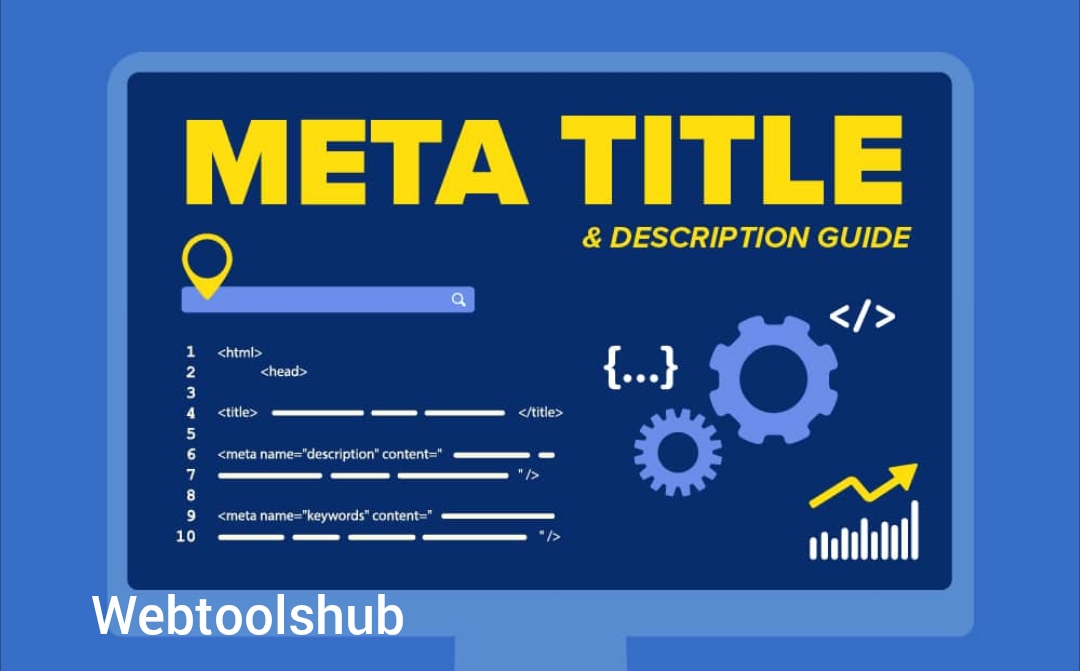
A practical guide to writing page titles and meta descriptions that accurately summarize content, improve clarity in search results and match the actual page.
Read guide
Learn how Article, BreadcrumbList and related structured data can describe static blog pages without filling the markup with inaccurate or unsupported claims.
Read guide
Learn how to make new static articles discoverable, inspect indexing signals and troubleshoot common crawl or canonical issues in Search Console.
Read guide
Learn how to write useful image alternative text that describes meaningful visual information without turning every alt attribute into a keyword list.
Read guide
Learn where lazy loading helps, why image dimensions matter, and how to avoid layout shifts and delayed important visuals.
Read guide
Learn how to reduce JavaScript cost on static HTML sites by loading only what each page needs and avoiding unnecessary main-thread work.
Read guide
Understand analytics, chat, ads, widgets and embedded scripts as external dependencies that can add network, CPU and privacy complexity.
Read guide
A practical mobile-first checklist covering navigation, touch targets, text, forms, tables, images and performance on small screens.
Read guide
Learn practical accessibility improvements for keyboard use, forms, headings, contrast, focus states, images and dynamic tool interfaces.
Read guide
Understand how client-side file tools can process documents and images in the browser, what privacy benefits they offer, and where the limitations remain.
Read guide
Learn how to design short links with predictable behavior, safe redirects, readable aliases and basic abuse protections.
Read guide
Learn how UTM source, medium and campaign parameters work, how to name them consistently and how to avoid messy duplicate URLs.
Read guide
Learn what a good 404 page should communicate, how to recover visitors and how to avoid confusing redirects or empty error pages.
Read guide
A practical monthly routine for checking links, forms, security headers, performance, analytics, backups and important SEO files on a small website.
Read guide
Learn how optical character recognition turns scanned page images into searchable text, what affects accuracy and how to review OCR results.
Read guideBrowse the full collection directly. The links are static HTML links so users and crawlers can reach every article without waiting for client-side API requests.